

You can view the list of all the published documents. Based on the mapping done between the published documents and the Instance, Customer, and Location, the document list is displayed on the View Document page.
To view documents:

Figure: VIEW DOCUMENT page
Filters
Click the Filters icon to specify a particular filter criteria to display the documents. On clicking the Filters icon, the FILTERS pop-up page is displayed. Select the Divisional, Document Type, and Search keyword and click SUBMIT.
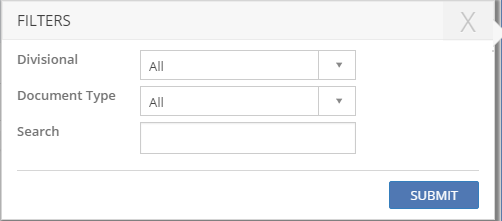
Figure: FILTERS pop-up page