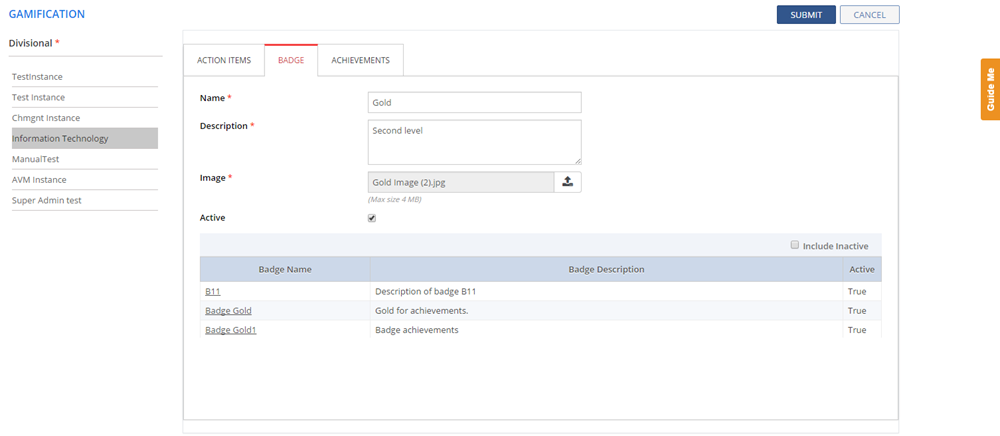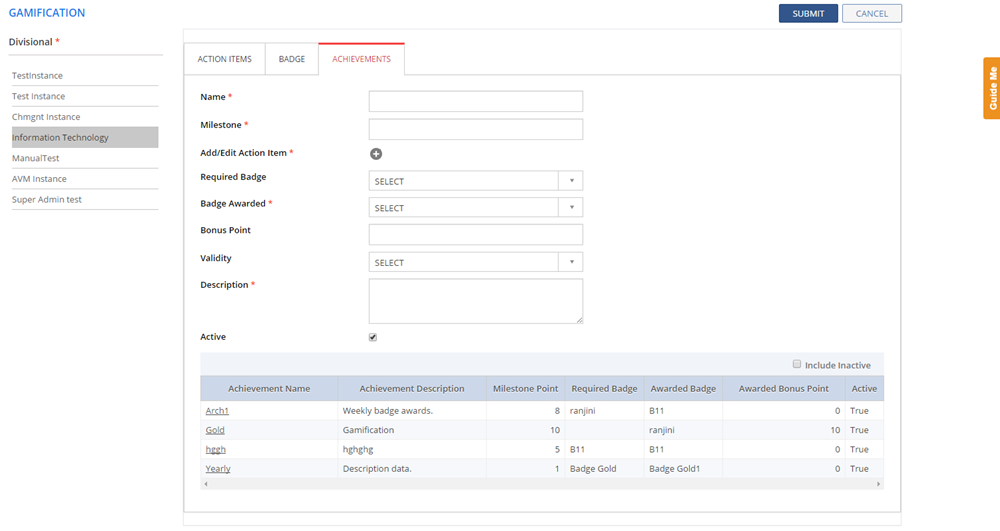

Using Gamification you can configure points for each defined action items of Analysts, configure Badges, and configure Achievements. Based on these configurations, the Analysts' Action Points are calculated, and Achievements and Badges are displayed on the ANALYST DASHBOARD page under MY SCORE and MY RANK.
To configure Gamification:
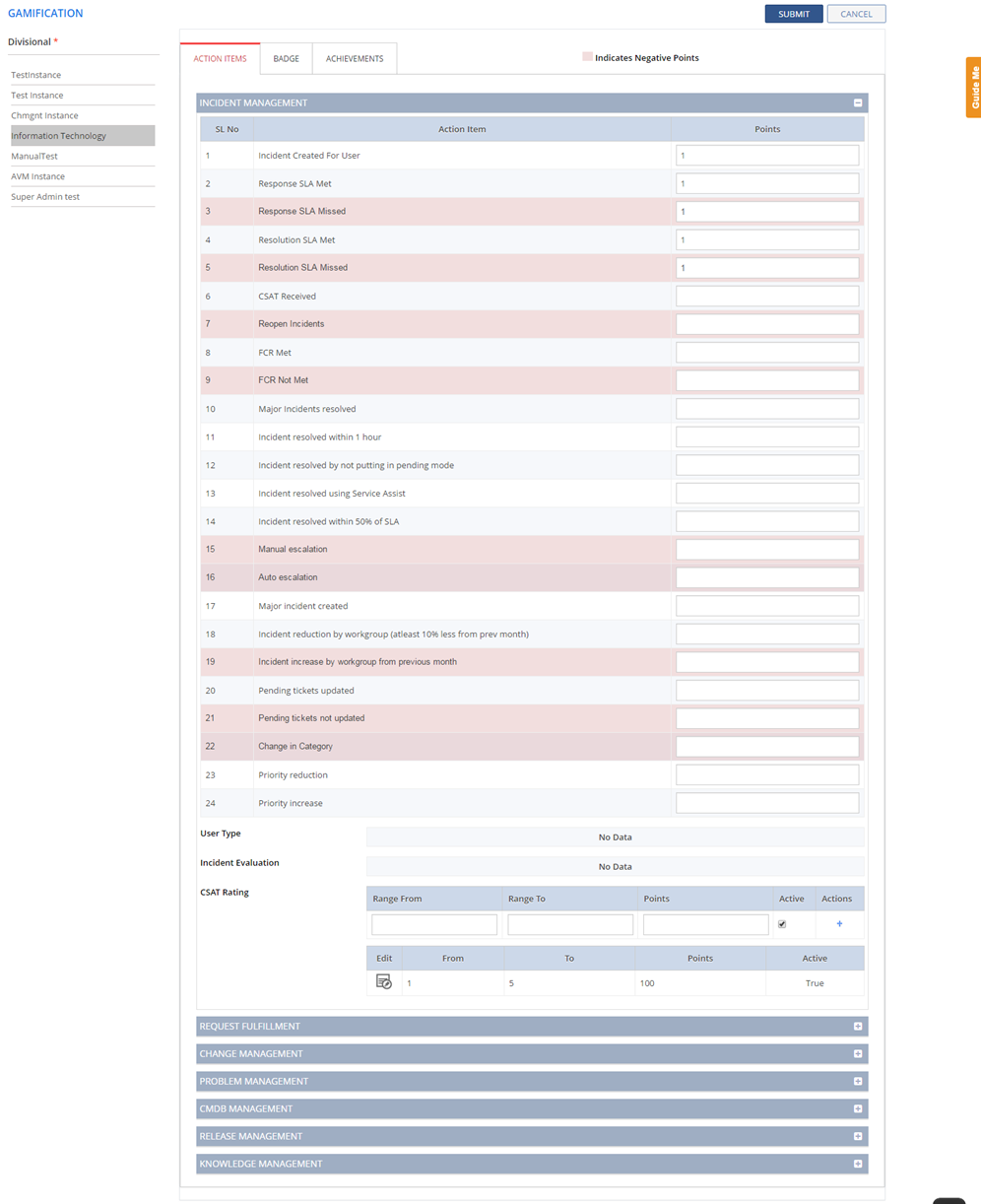
Figure: GAMIFICATION page
This section describes the fields on the GAMIFICATION page.
 Action Items
TabBadge Tab Achievements
Tab
Action Items
TabBadge Tab Achievements
Tab