

An Instance is a business unit, entity, or a department in an organizational hierarchy. You can create, modify, and specify configuration details of an Instance (see: Configuring Instances). In the SUMMIT application, you can select the label name for Instances based on usage, for example: Department/ Customer or by default Instance. The defined label name is displayed for Instances. Department is used when the SUMMIT application is used by multiple departments within the organization. Customer is used when multiple customers are handled using the SUMMIT application. You can use any other label name based on the organization's requirement.
To configure label name for Instances:
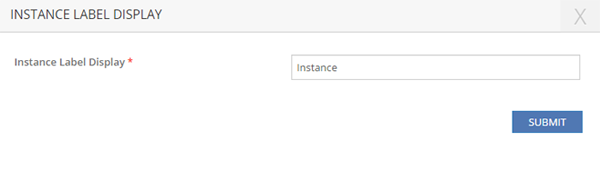
Figure: INSTANCE LABEL DISPLAY pop-up page

Figure: Instance label display example 1
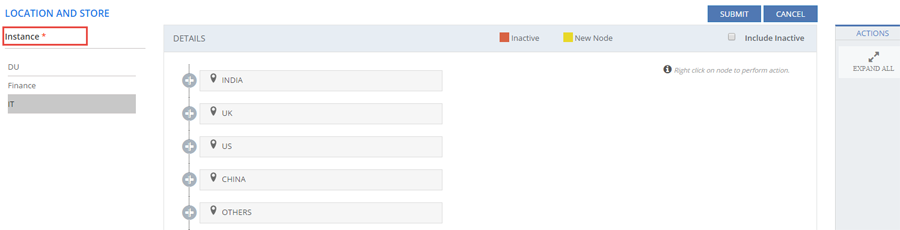
Figure: Instance label display example 2